ESO 3.6m Telescope

Axis Interlock Troubleshooting

 
<>
About the 3.60m TelescopeAbout the CAT Telescope
General
News
       

Telescope does not move.

Symptom: Telescope does not recover by a new initialization or reboot.
 

Put the telescope in OFF-LINE mode (Auxiliary functions panel) and press reset button.
Interlock Enable LED should be ON.
Are amplifiers on now? Can you move the telescope manually?


Yes No
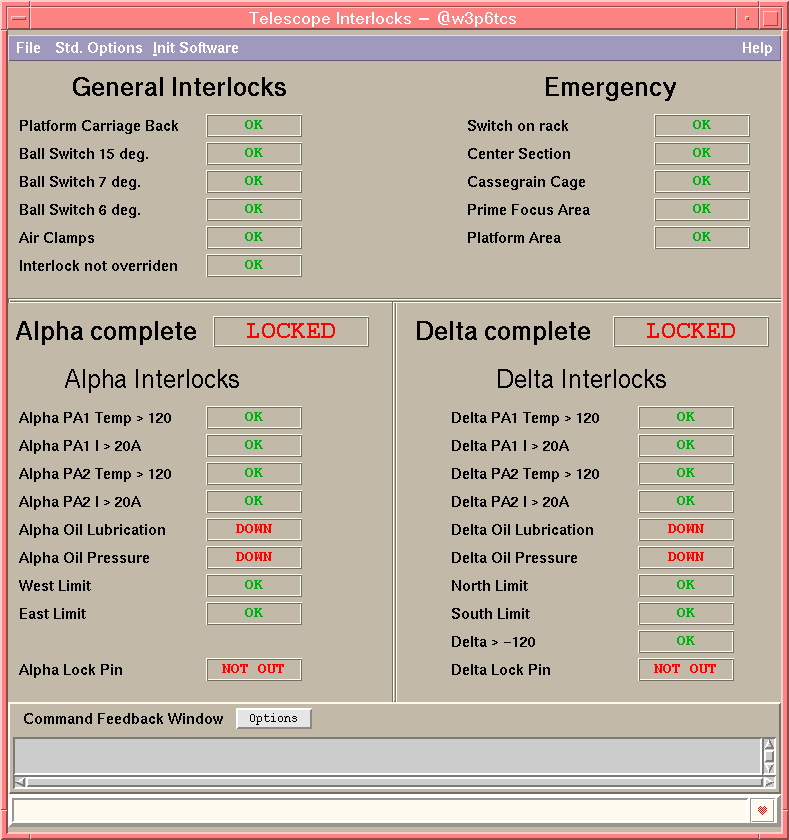
Try a new axis init Open the interlock panel and look for the interlock preventing the axis movement. Remove the interlock condition.
If amplifiers are on for a few seconds, it could be a false interlock status reaching the axis LCU

Open the interlock panel and see if there is an interlock condition on.
If there is one interlock active, but the telescope moves Off-line, call electronics.


Send comments to <jfluxa@eso.org> 
Last modified: Sep 29, 2001 
<>