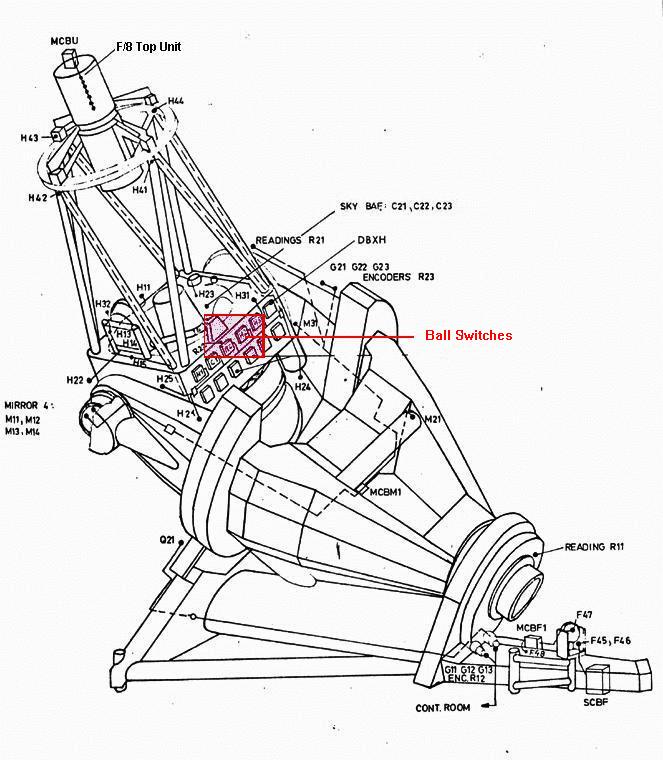
Ball switches
All three ball switches are located on the center
piece, north side.
15° Ball switch
Note: you will save time by adjusting all three ball
switches for a given position.
This switch is activated when the telescope tube has an altitude
below 15°.
To adjust, move the telescope to HA= 12:00:00 Dec= -75:29:15
(below the pole). Adjust the 15° ball switch in north-south
direction until it is just activated.
Confirm the adjustment by moving the telescope in delta around
the position.
Now bring the telescope to Ha= 05:00:00 Dec= 00:00:00 and
adjust the 15° ball switch in East - West direction until
is just activated.
Confirm the adjustment by moving the telescope en alpha around
the position.
7° and 6° ball switches
Lock the telescope in alpha and move manually the telescope
to Dec= -22:30:15 below the pole. Repeat the procedure described
above for the 7° ball switch in north-south direction.
Move the telescope to -23:30:15 and adjust the 6° ball
switch.
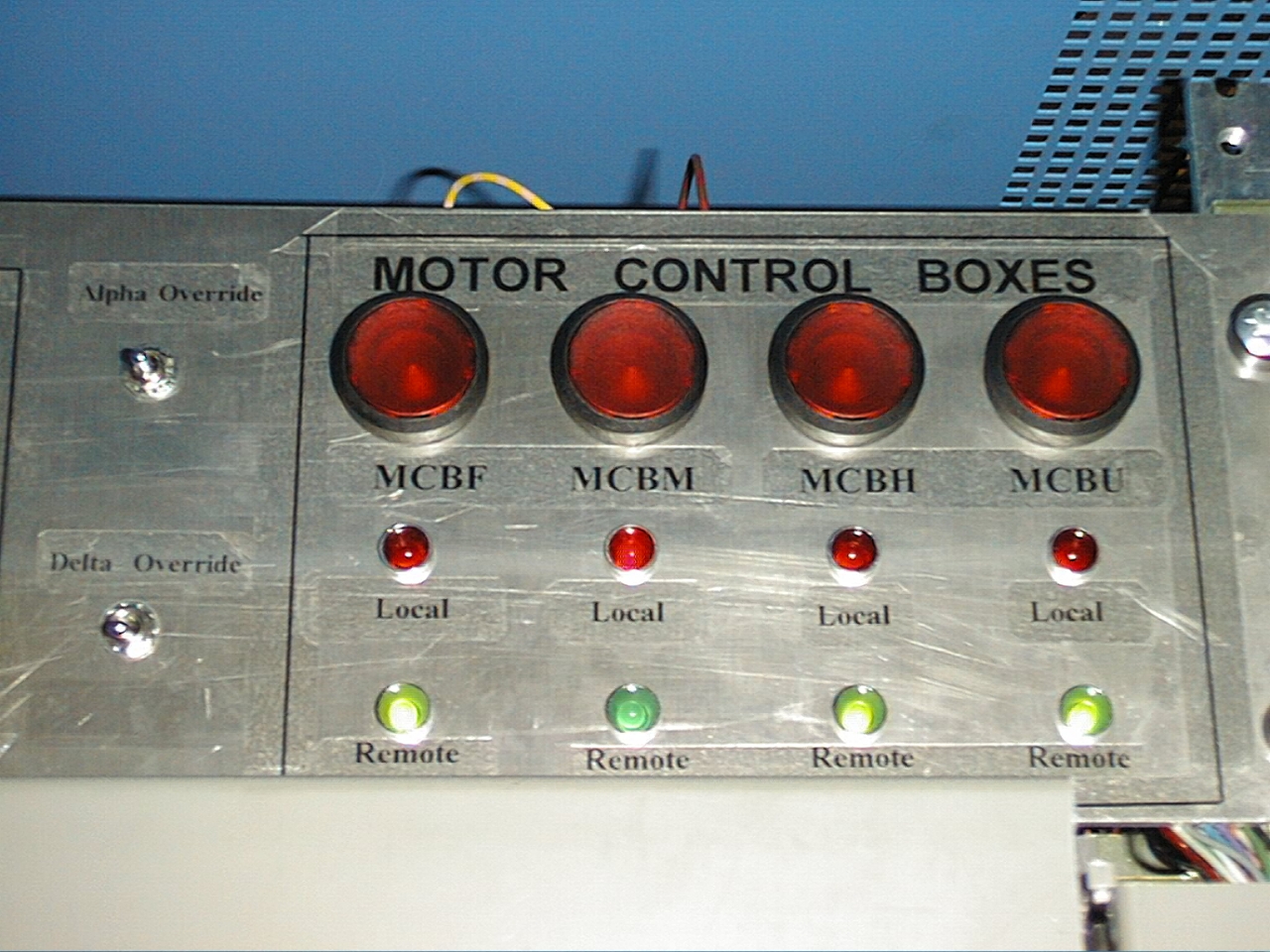
Move the telescope to Dec= 00:00:00. Put the alpha
override switch in "override position" and move
the telescope carefully to HA= 05:32:00.
Repeat the procedure described above for the 7° ball switch
in east - west direction.
Move the telescope to Ha= 05:36:00 and adjust the 6° ball
switch now.
Move the override switch to its normal
position (no override)
Note: remember that while the override
switch is in "override" position, there is no hardware
limit protection. Be careful.