|
| Punching Mos Plates
|
- Do login to w3p6ins user mos passwd ********
- Check STAP wheel lock pin OUT and the X/Y table on PARK position.
If not the case follow this procedure
- After any LCU or manual functions reset, a COLD START is needed then:
- Check wmos environment active.
- With wmos environment Ok, use script command efoopsMosRun to do
the MOS init functions ( ~5 minutos ...).
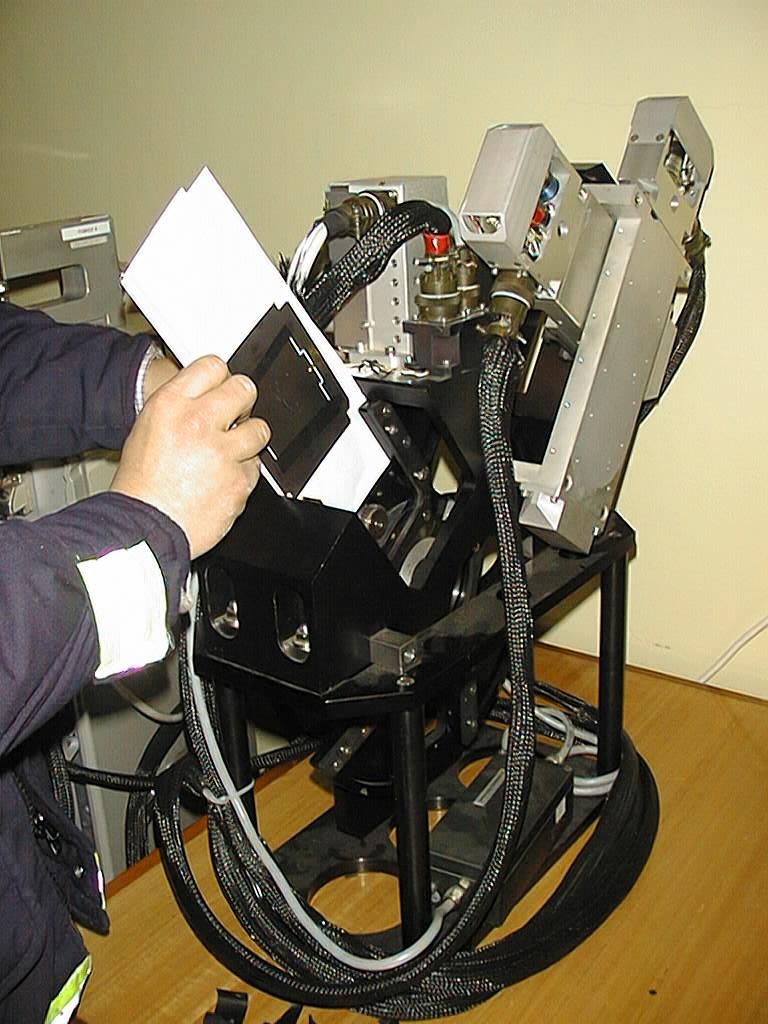
- From mosuifMOS panel use option Move STAP to load plates as it's shown
on the pictur(Zoom clicking here)
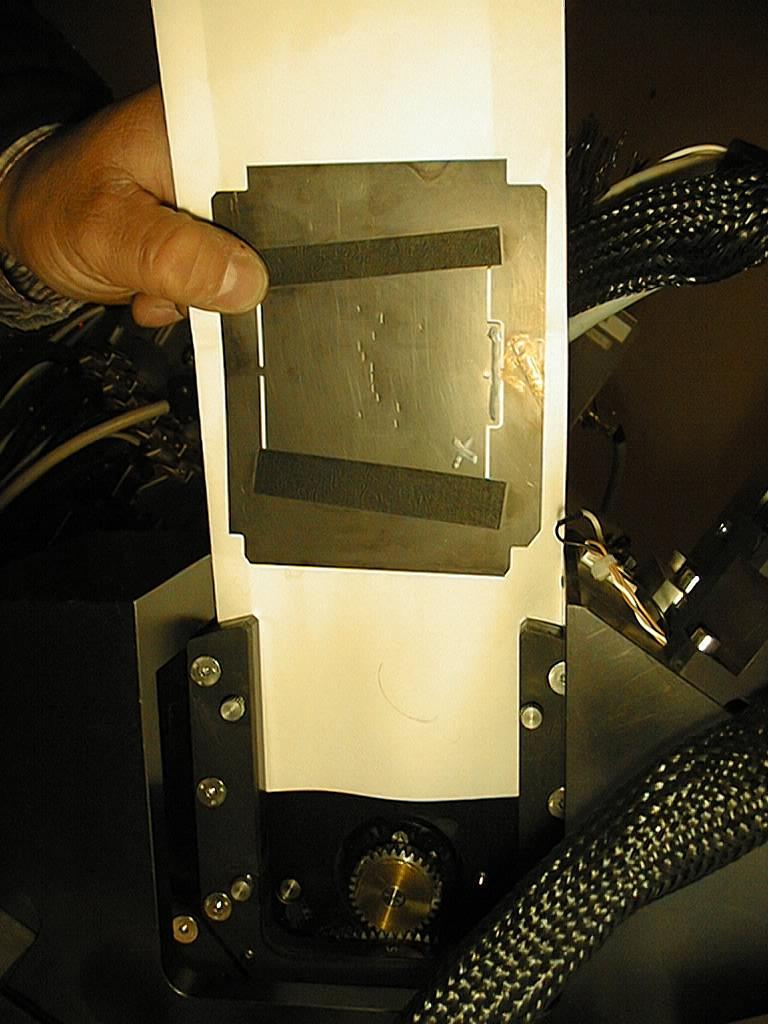
- The white cross on the plate shows the face to be DOWN on EFOSC aperture wheel
- Press button Load to load mask files from directory /vltdata/tmp/EFOSC-MASK
- Select STAP plate position (2,...5) and OverPunch
- To punch press button Start
|
|